
OpenAI introduced Businesses in ChatGPT in beta on 10 November 2026. Through a dashboard called Business Hub, eligible owners and authorised representatives can claim a business profile, update the information ChatGPT may use about their business and see aggregated insights such as mentions and website clicks. Retailers can also share product information, including pricing and availability.
Can Australian businesses claim a listing? It depends on the business type and the verification options available. At Overt Digital Marketing in Brisbane, we initially saw a message saying Business Hub was unavailable in Australia. We later found our existing listing and submitted a request to join the claim waitlist. OpenAI has since approved our claim, and we can now access our Business Hub dashboard. If you are checking access for your own business, the options shown for your listing are the most relevant starting point.
What is ChatGPT Business Hub?
Business Hub is the dashboard for managing how you supply business information to ChatGPT. An eligible business can find and claim an existing listing. In some cases, an eligible online business can add a profile if a search does not return a match. Once the relevant checks are complete, you can submit updates to details such as your website, business description, category, logo and, where applicable, delivery or returns policies. OpenAI reviews updates before publication.
The value is easiest to see through a customer question. Someone comparing agencies might ask which Brisbane providers handle both Google Ads and conversion tracking. A shopper might ask whether a retailer stocks a specific product and ships it to a regional postcode. Those questions are easier to answer when the business publishes specific, up-to-date information about its services, products and policies. Business Hub gives you another place to supply that information, and ChatGPT may draw on other sources when it answers.
Is ChatGPT Business Hub available in Australia?
OpenAI says eligibility depends on where the business operates, what kind of business it is and whether the required verification is supported. Its setup guide says eligible online businesses may be offered the option to add a missing listing. For local stores and restaurants, the current claim process is limited to existing US listings. That distinction matters if you are comparing the experience of an Australian online retailer or digital service provider with that of a Brisbane café.
When we first opened Business Hub at ODM, we saw the Australian availability message. On a subsequent attempt, we reached the claim form, found the listing for Overt Digital Marketing and joined the waitlist. If you see a similar form, take note of the status it gives you. A waitlist confirmation records your interest, while claim approval is the step that gives you access to manage the business in Business Hub.
To check your business, sign in to ChatGPT on the web and open Business Hub via this link or follow the claim link from OpenAI’s product page. Search for the name customers know you by and check that the website or other identifying information matches. If access is unavailable for your business today, check the official guide for updates as OpenAI expands the beta.
How do you claim and verify your business in ChatGPT?
If Business Hub offers you a claim option, the process generally works as follows.
- Find the correct listing. Search for your business name and confirm you have the right profile and the ChatGPT account you intend to use to manage it.
- Show your connection to the business. Choose one of the methods offered for your listing. Options can include a business phone number, business email, website domain or Shopify store.
- Look out for OpenAI’s decision. OpenAI reviews the claim and emails its decision or asks for more information. You can check an existing request using the account you started it with.
- Complete identity verification with Persona. OpenAI requires this additional step before you can publish profile changes, view insights, connect a product feed or set up an eligible Business Agent. You may be asked for identification, business registration information or evidence you are authorised to act for the business. The blue verified badge appears after Persona verification is approved.
Before starting, check which company email account should manage the profile and who can access the business inbox or website domain settings if needed. If you trade under a different name from your registered company name, have both handy. Use the legal name from your registration documents when the verification form asks for it.
After OpenAI approved Overt Digital Marketing’s claim, we could open our Business Hub dashboard and access the option to edit our business information. The dashboard showed our website access as confirmed and displayed three brand insights metrics: mentions, profile views and website clicks, with 7-day and 28-day views. When we first checked, the metrics showed dashes. The dashboard explained that trends would appear once there were enough mentions to report.
What can retailers do with product feeds?
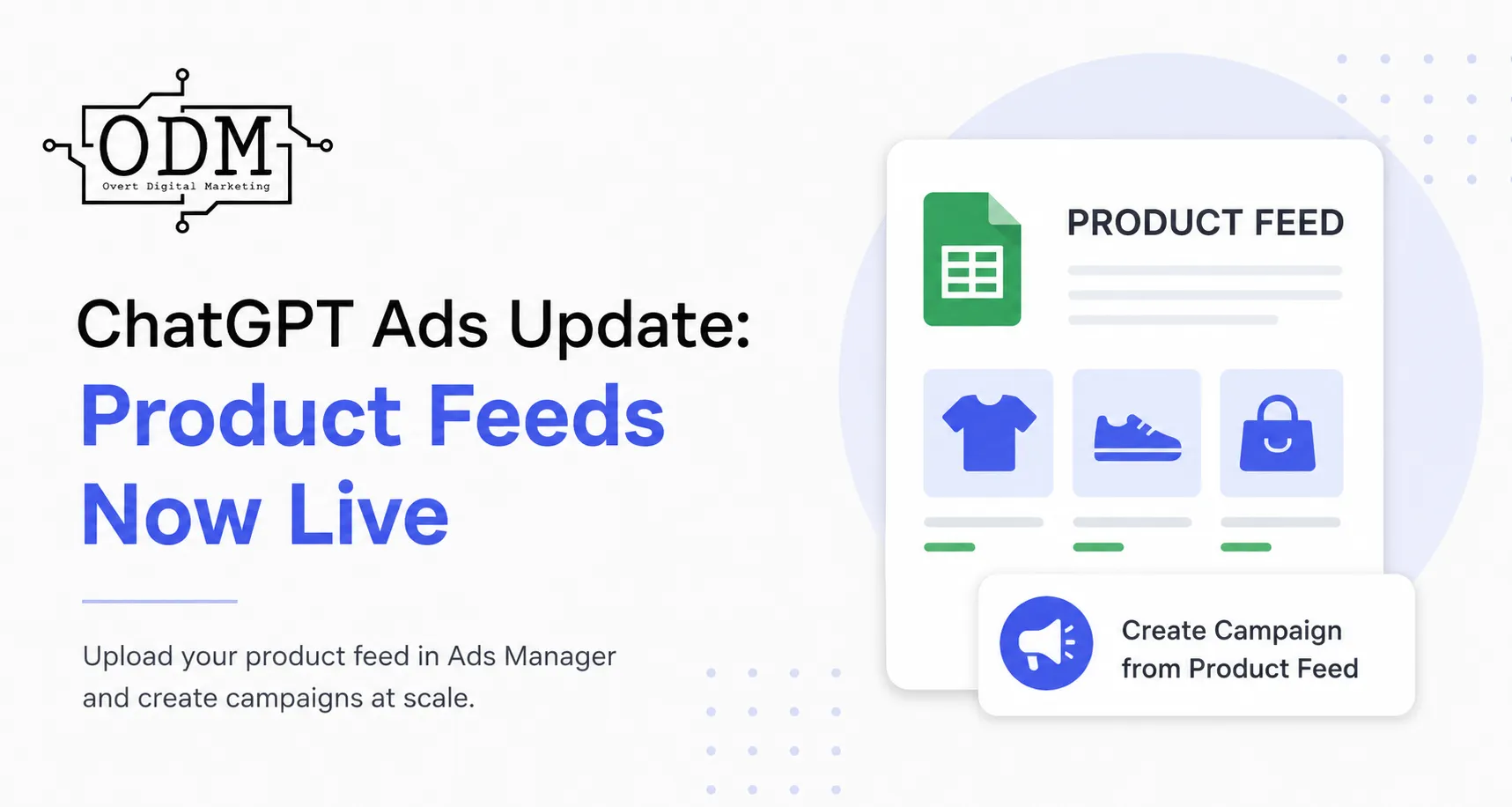
A product feed can supply ChatGPT with catalogue information such as current pricing and stock availability. Eligible businesses using Shopify can connect their existing catalogue through Business Hub. OpenAI also documents a CSV upload and a hosted feed option, so retailers on other platforms can review the specification and see whether their catalogue meets the requirements.
Start with the products customers are most likely to compare and check that product links, variants, prices and availability agree with your website. For example, if a product page lists three sizes but only one is in stock, that distinction matters to a shopper who is ready to buy. For a hosted catalogue, make sure the feed keeps reflecting changes as they happen. OpenAI says a feed gives ChatGPT product information it may use when answering relevant shopping questions.
What can Business Hub insights tell you?
Business Hub shows aggregate activity, including mentions and website clicks.. Discovery topics show the broad themes of answers in which the business was mentioned or cited. OpenAI uses different rules for online and local businesses. For an online business, a mention records a reference to its website. For a local business, showing a result for that location can count even if the customer does not open the listing. Businesses receive aggregate reporting, and individual customer prompts and conversations are private.
At ODM, we would use these figures alongside website analytics. For example, if discovery topics frequently relate to conversion tracking but the linked service page barely explains what an audit includes, that is a reason to review the page. Check which visitors reach your enquiry form and what they do next. Business Hub records the click to your website. Your website analytics can help you see whether visitors arriving from ChatGPT made an enquiry or completed a purchase.
OpenAI applies reporting thresholds, so a blank chart can reflect limited data, data still being collected or unavailable reporting. For a small business, it makes sense to look for recurring topics over time before changing a service page based on a single reporting period.
What is a Business Agent, and how does it relate to ChatGPT Ads?
A Business Agent is an optional assistant that customers can choose to chat with about a business. It uses information the business supplies, such as product details and store policies, to answer questions and direct customers to its website. For instance, a retailer could use an agent to explain sizing or returns before sending the shopper to the relevant page. OpenAI currently offers this feature to eligible US e-commerce and online service businesses with a website.
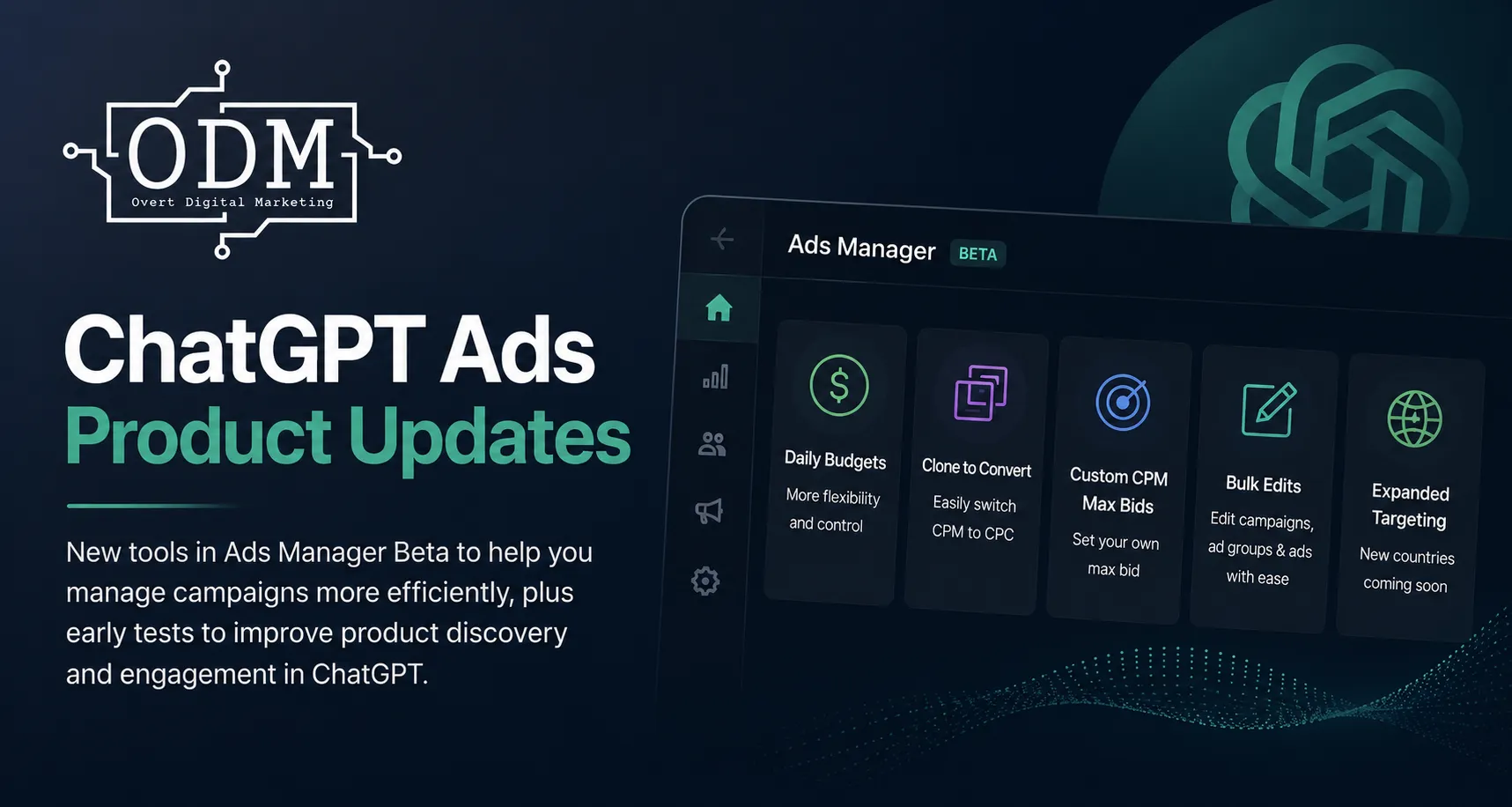
Claiming a profile is independent of running ChatGPT Ads. Eligible businesses can claim and verify their profile without an Ads account. OpenAI also offers qualifying advertisers the option to sponsor a Business Agent. Customers see sponsored placements labelled separately from ChatGPT’s independent answers. For a marketing team, the business profile is where you maintain information, while the ad account manages paid placements and campaign performance.
Will claiming your listing help ChatGPT recommend your business?
Claiming helps you manage the information you provide. OpenAI says it offers no guarantee of increased visibility or control over its independent recommendations. A verified profile is useful when customers want to learn more about a business they find in ChatGPT. The information on your website and across other public sources still matters when ChatGPT looks for evidence to answer a question.
Think about a customer who asks for an agency that works with registered training organisations and can track course enrolments. A service page that explains the work, backed by a relevant case study, gives the customer something concrete to evaluate. A generic promise to help businesses grow leaves most of that question unanswered. This is where search engine optimisation and answer engine optimisation (AEO) overlap. Clear service pages help people discover what you do, and specific answers help them judge whether your business fits their needs. ODM’s guide to getting recommended by ChatGPT
What should Australian businesses do while access is limited?
Start by taking five questions from actual sales calls, customer emails or support enquiries. Check whether the answers are easy to find on your website. Service businesses can explain where they operate, which customers they serve, what an engagement includes and how to enquire. Retailers can make delivery areas, stock availability, product specifications and returns policies easier to find. Put each answer on the page where a customer would naturally look for it.
Next, compare your website with your relevant public listings. For a local business, check the hours, address or service area and contact details on your Google Business Profile and key directories. If your website describes a service you no longer offer, fix the page before carrying that wording into a new profile. If you manage your site’s technical SEO, check whether the pages you want discovered are accessible to OAI-SearchBot, OpenAI’s crawler for ChatGPT Search.
Finally, try the kinds of questions your customers ask in ChatGPT Search and look at the sources behind the answers. Record where your business information is accurate, where an old page still gets cited and where the site lacks a clear answer. Use this as a spot check alongside your normal search and website reporting. At ODM, those are the first things we would review while waiting for access to profile insights.
If you want to understand how your business is represented in AI search, Overt Digital Marketing can review what customers can find today and identify the service pages, listings and tracking worth improving first. Talk to Overt Digital Marketing
Frequently asked questions
What if I cannot find my business in ChatGPT Business Hub?
Search using the name customers know your business by. If you run an eligible online business and no listing appears, Business Hub may offer an option to add it. OpenAI currently limits claims for local stores and restaurants to existing US listings.
Do I need Shopify to claim my business in ChatGPT?
No. Shopify is one verification option. Depending on your listing, Business Hub may also offer verification by business phone, business email or website domain.
How do I know if my ChatGPT business claim has been approved?
OpenAI emails you with its decision or asks for more information. If Business Hub shows that you have joined a waitlist, you are still waiting for an update. Once your claim is approved, you can access the profile in Business Hub. OpenAI requires a separate identity check through Persona before you can publish changes.

Related Posts